Video Production
2D & 3D Product Intro Videos
Some products cannot be filmed — they do not exist yet, they are too small to shoot well, or the thing worth showing is inside the casing. We build them in 3D instead: modeled, textured, and lit so the render behaves like a photograph, then animated into an intro that shows the product from angles a camera could never hold.
- Hardware and device teams who need launch visuals before manufacturing has finished a unit
- SaaS and app teams who want a physical-feeling intro — a device, a card, a package — rather than another UI screen
- Brands whose product photography exists but cannot move, rotate, or open up on camera
- Founders who need one hero visual that works on the site, in the deck, and in the app store listing
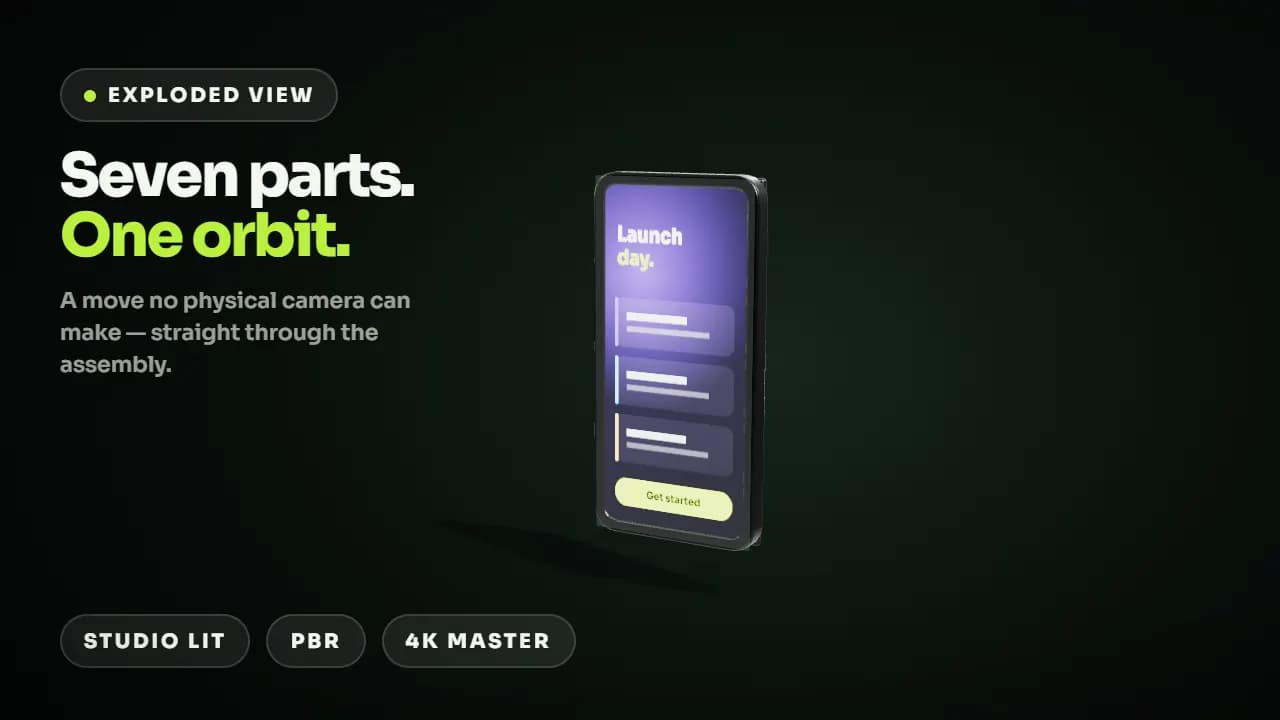
A photograph shows what the product looks like. A render shows how it works.
Product photography stops exactly where the interesting part starts. It cannot pull the casing apart to show the mechanism, cannot hold a rotation at a constant speed, cannot light the same object three different ways in one shot, and it cannot exist at all until a physical unit does — which is usually months after you need launch assets. The result is that teams either delay their marketing until manufacturing catches up, or they ship a page built from a CAD screenshot and a gradient. Building the product in 3D removes the dependency entirely: once the model exists, every angle, colourway, finish, and exploded view is a render setting rather than another shoot. It also compounds. The same asset that makes the launch film makes the app store still, the packaging mockup, the ad variants, and next quarter's colour variant — which is the reason 3D is usually cheaper across a year than repeatedly reshooting the same object.
What's included.
Every 2D/3D product intro engagement covers all four of these — they are the work, not upsells.
Modeling from whatever you actually have
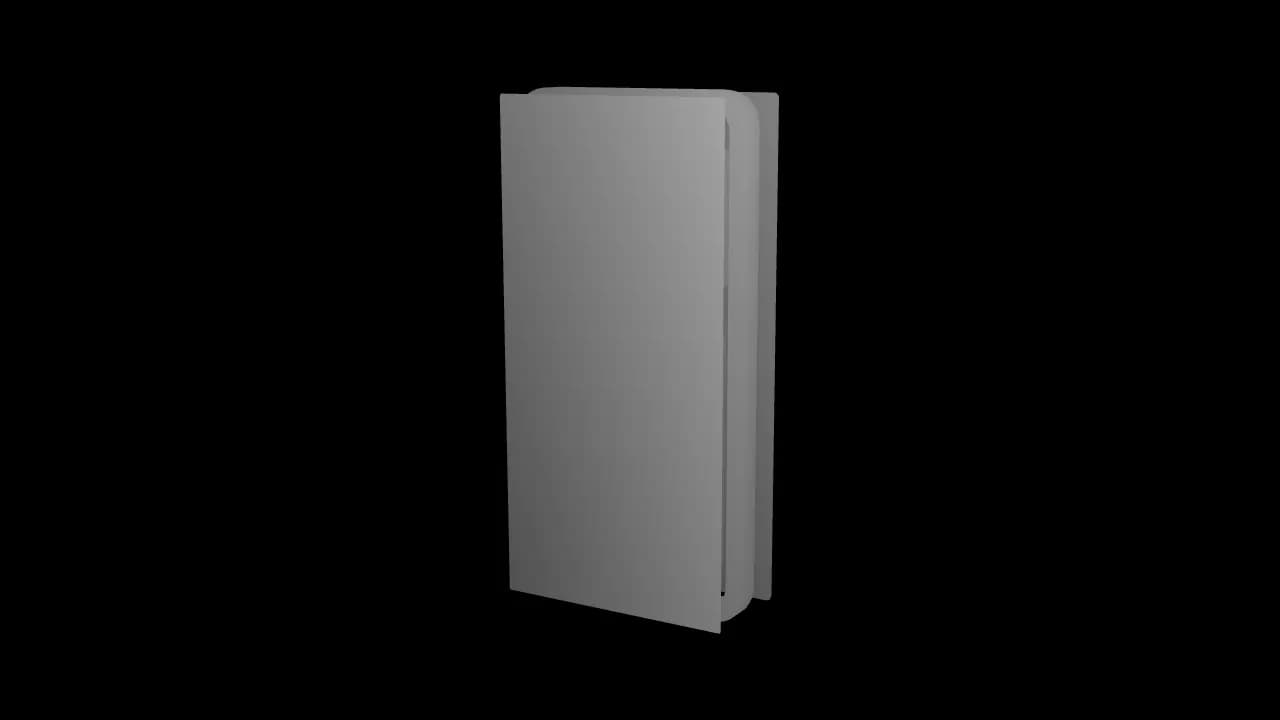
We build the model from CAD or STEP files where engineering has them, and from dimensioned drawings, photographs, or a physical sample where they do not. CAD is fastest because the geometry is already correct and we are mostly retopologising for render efficiency. Where nothing exists but a design concept, we model to your specification and send a grey-shaded turntable for approval before any material work starts — geometry problems are cheap to fix and expensive to discover after texturing.
Materials, lighting, and a look that reads as real
Realism is mostly materials and light, not polygon count. Anodised aluminium, soft-touch plastic, brushed steel, glass, and printed packaging each behave differently under the same lamp, and getting those responses right is what separates a render from a plastic-looking mockup. We light with HDRI-based studio setups, use physically based materials, and send styleframes at final render quality for sign-off before the full sequence is committed to the render queue.
Motion built to show something, not just spin
A slow rotate is the default 3D product video and it says nothing. We animate around a specific claim instead: an exploded view for a product whose value is inside it, a cutaway for a mechanism, a scale comparison for something people misjudge the size of, a materials pass for a finish worth paying more for. Camera moves are blocked against the script so each move exists to answer a question the copy has just raised.
2D motion where 3D would be overkill
Not every intro needs a render. For software, an abstract concept, or a product best explained as a system rather than an object, 2D motion graphics are faster, cheaper, and often clearer — and they survive product redesigns that would invalidate a photoreal model. We will tell you which one your product needs at the brief stage, including when the honest answer is a hybrid: a 3D device carrying a 2D interface on its screen.
See the work.
Style samples for this service — grouped by what they demonstrate, because that is how buyers actually choose.
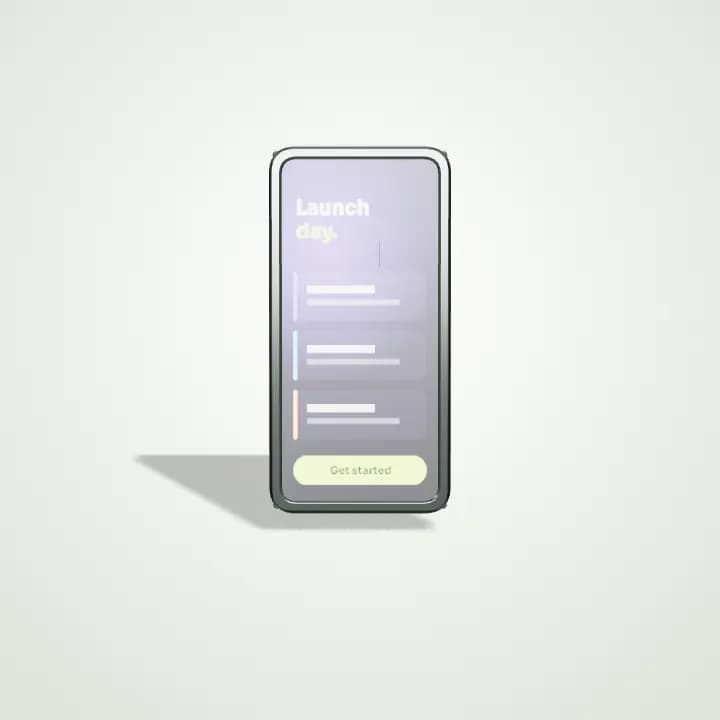
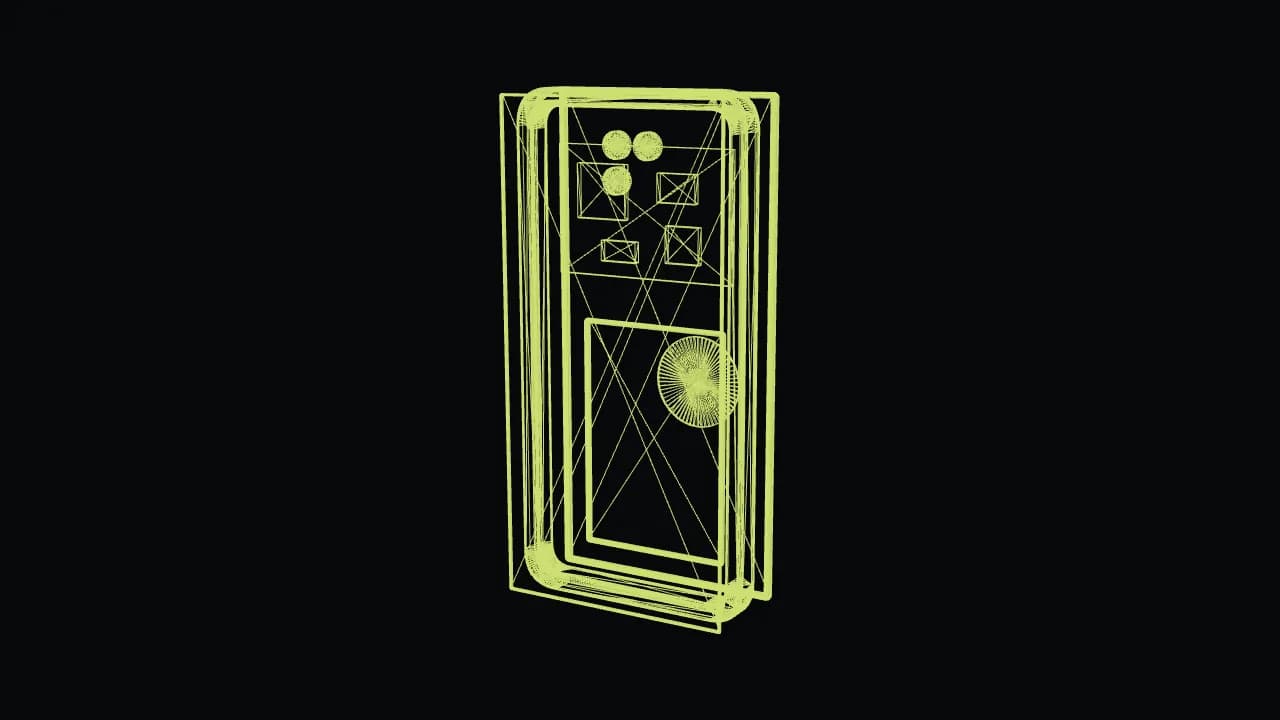 1Wireframe
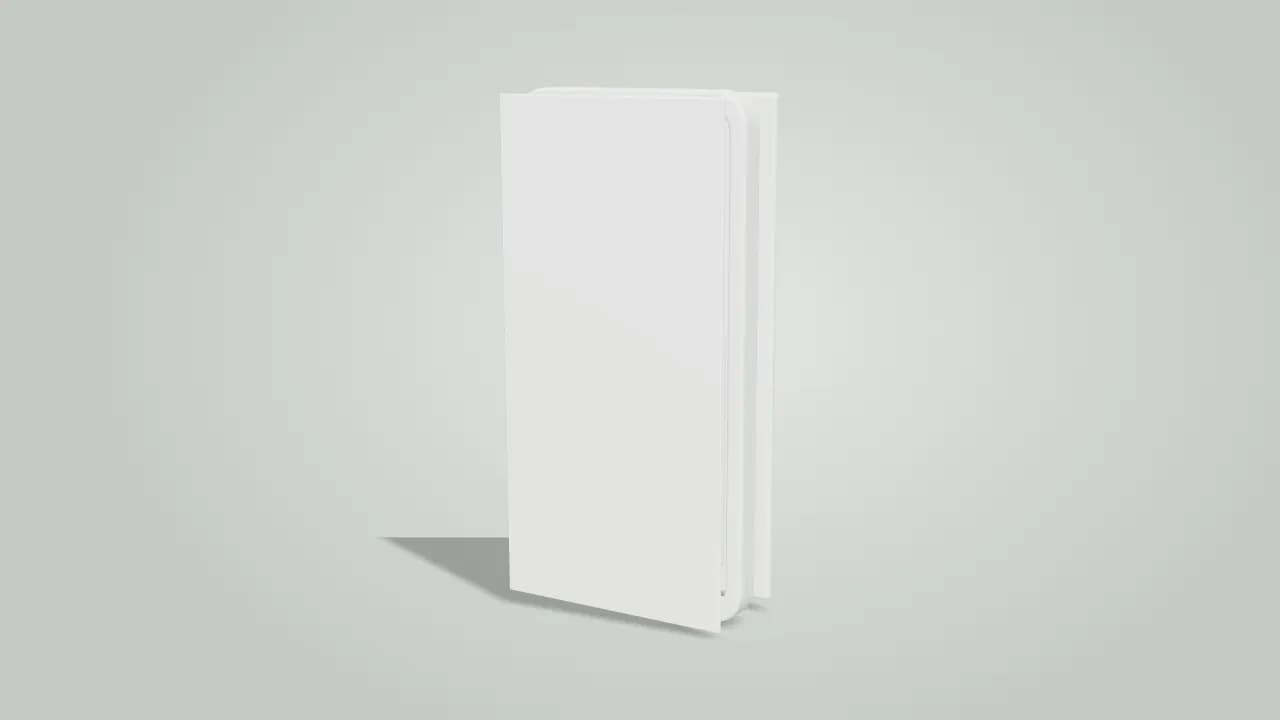 2Approval model
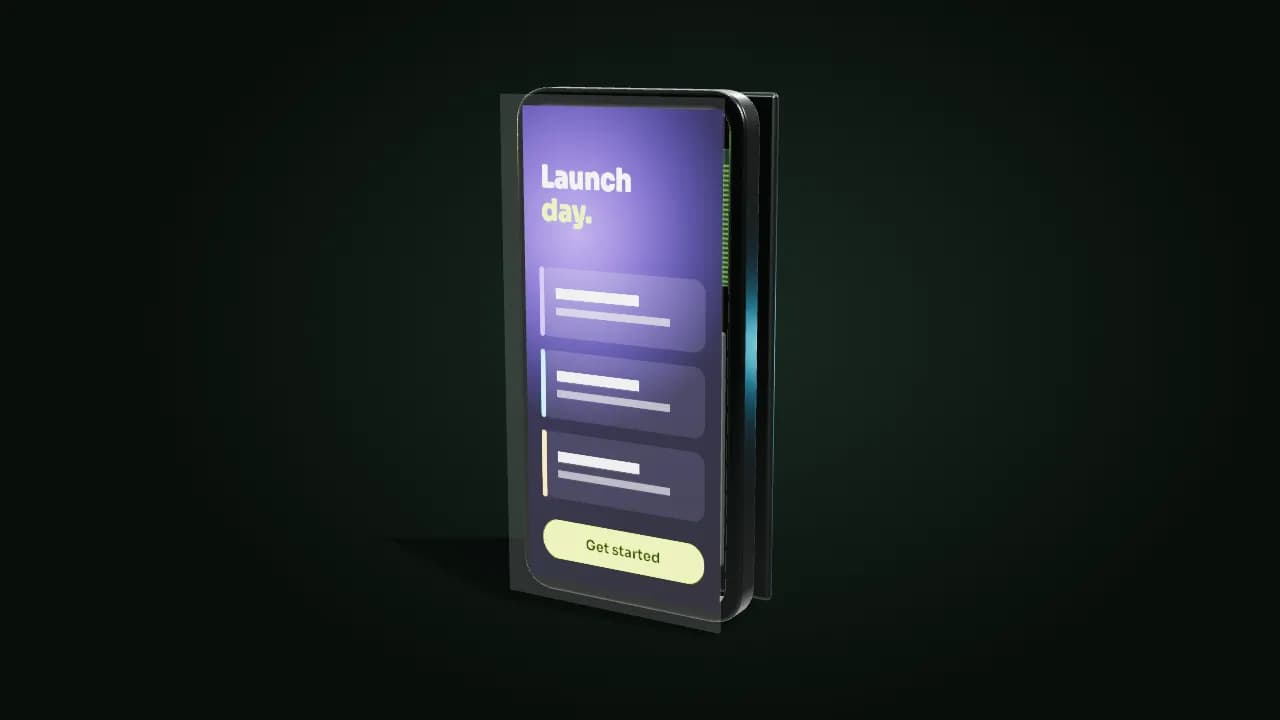 3Textured & lit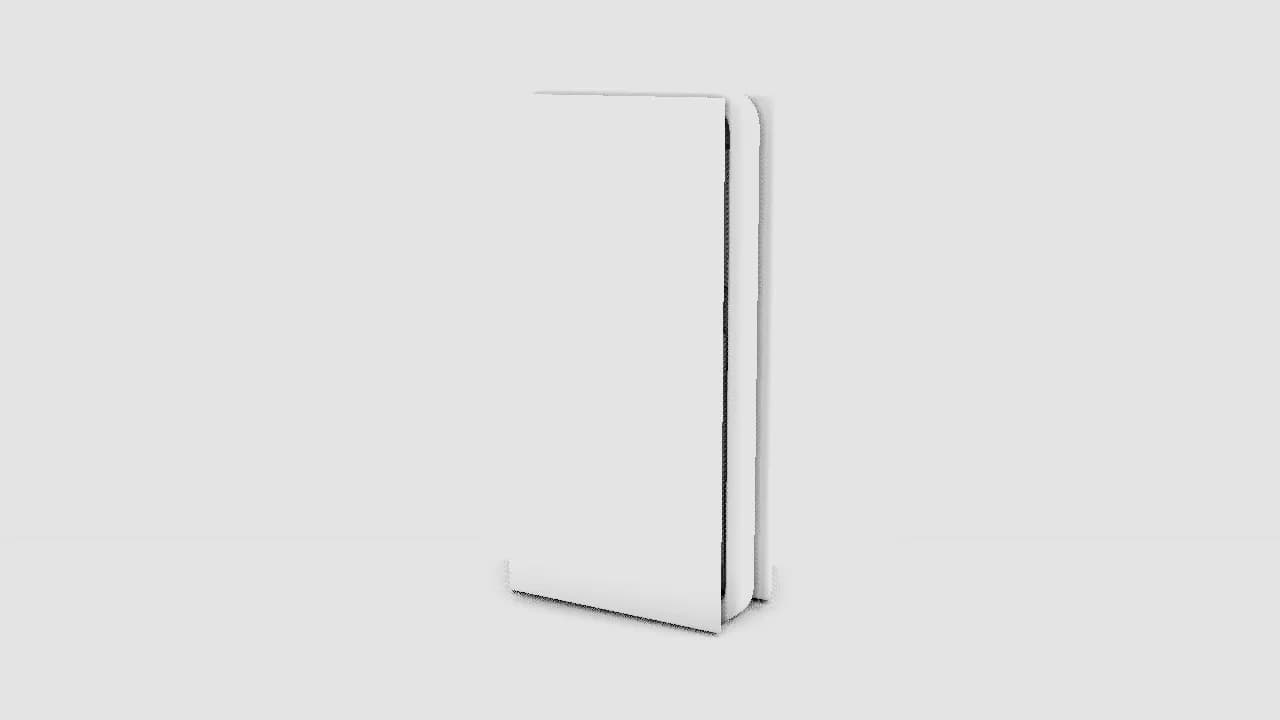
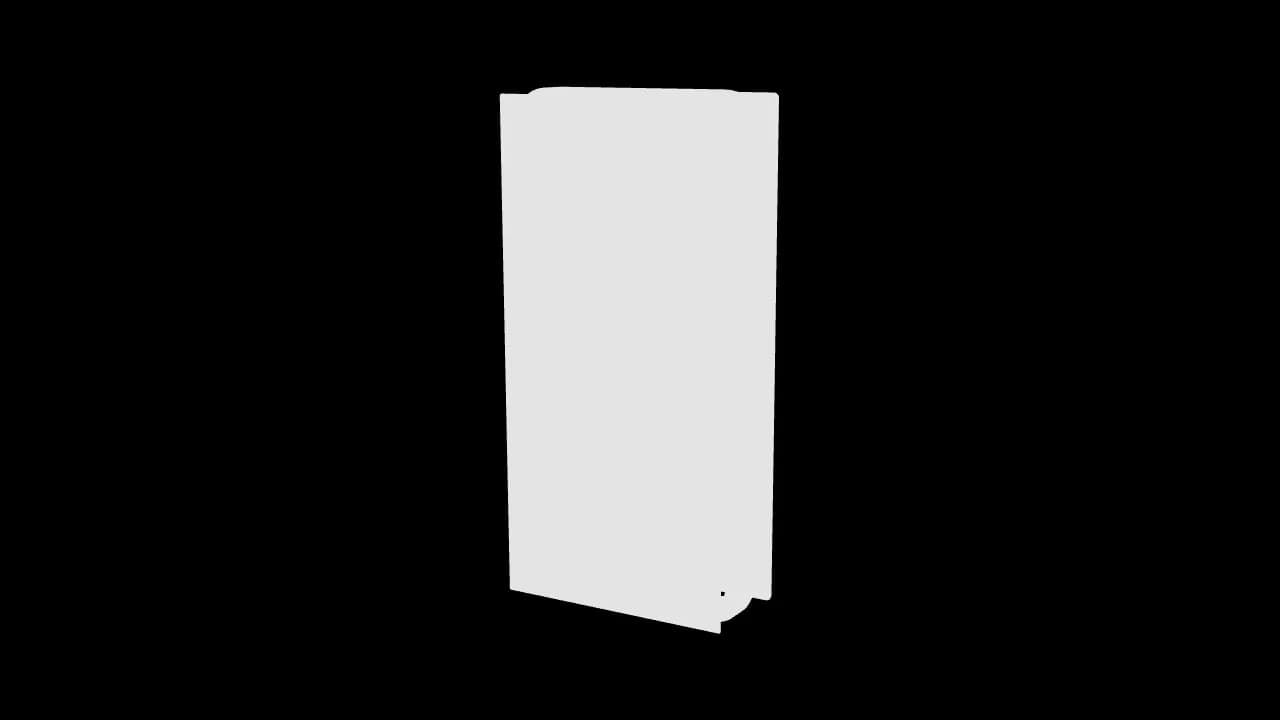
A grade change touches only the composite — the 3D scene is never re-rendered
What you actually receive.
Resolutions, ratios, formats, and source files — stated up front rather than discovered at handover. Full delivery specification.
- Length
- 20–60 seconds for a product intro; 90 seconds where a full feature sequence is needed
- Master resolution
- 4K (3840×2160) renders as standard, 1080p on request, 24/30/60 fps
- Render passes
- Beauty, ambient occlusion, depth, and alpha passes retained so the grade is adjustable after render
- Turntables
- 360° turntable loop of the finished model, plus a grey-shaded version from the approval stage
- Stills
- Hero renders at print resolution with transparent-background PNGs for site and deck use
- Aspect ratios
- 16:9, 9:16, 1:1, and 4:5 — re-rendered per ratio rather than cropped from one frame
- Formats
- MP4 (H.264) as standard; ProRes 4444 with alpha or WebM (VP9) for site loops on request
- Source files
- 3D scene file with textures and materials, plus the After Effects comp for the finished edit
How it gets made.
The sequence for this service specifically. How we work, in detail.
- 01
Reference and asset intake
We collect CAD or STEP files, drawings, photographs, finish samples, or the physical unit, and confirm what the geometry must be exactly right about — dimensions, tolerances, branding placement.
- 02
Grey-shade model approval
The model is built and sent as an untextured turntable. Approving geometry before materials is the single biggest cost control in 3D, because a proportion error found after texturing means redoing both.
- 03
Materials, lighting, and styleframes
Physically based materials and HDRI lighting are built, and two or three full-quality styleframes go to you for sign-off. This is the last cheap point to change the look before the render queue starts.
- 04
Animation and render
Camera moves, exploded views, and any UI or 2D overlays are animated against the approved script, then rendered in passes so the grade stays adjustable without going back to the 3D scene.
- 05
Comp, grade, and delivery
Passes are composited, graded, and scored, then delivered with the turntable, hero stills, transparent PNGs, every ratio, and the 3D scene and project files.
Where we've done it.
Real clients, live products. Every one of these links to the finished work in the place it actually runs.
HealthTech · Digital Prescriptions
CloudRx
An AI-animated promo that makes digital prescribing feel effortless for doctors
Read the case study Watch the videoWordPress · Community & Support Platform
ZenCommunity
Turning five plugins' worth of features into one clear pitch in under a minute
Read the case study Watch the videoWordPress · Image CDN & Performance
PixJet
Explaining server-side image optimization to people who just want a faster site
Read the case study Watch the videoWhat it costs.
Solo Launch at $300 includes a sub-60-second product intro alongside a walkthrough, a tutorial, and five reels, with a 5-day turnaround — the right entry point for a 2D intro or a light 3D treatment. A full realistic-render 2D/3D product intro is included from the Growth Bundle at $950, which runs a 10-day turnaround because modeling and rendering sit inside it. Heavy 3D sequences are quoted per project.
$300
Solo Launch
A full launch-day kit for one product.
5-day turnaround · 2 revision rounds
$550
Startup Boost
Everything in Solo Launch, built out for your first ad tests.
7-day turnaround · 3 revision rounds
$950
Growth Bundle
A distinct brand look, built for scaling acquisition.
10-day turnaround · Unlimited revisions
$1,600
Scale Package
A full-funnel content push, all at once.
14-day turnaround · Unlimited revisions
2D/3D Product Intro questions.
A product intro starts at $300 inside the Solo Launch package, which suits a 2D intro or a light 3D treatment produced alongside a walkthrough, a tutorial, and five reels. A full realistic-render 2D/3D product intro is included from the Growth Bundle at $950. Complex hardware with many parts, several colourways, or a long sequence is quoted per project, because the cost driver in 3D is modeling and render time rather than video length.
That is one of the main reasons to use 3D. If engineering has CAD or STEP files, we can build the model directly from them and have launch visuals ready long before a manufactured unit is. Where only dimensioned drawings or a design concept exist, we model to your specification and get the geometry approved as a grey-shaded turntable first. The one thing we will not do is guess at a finish or a proportion you have not confirmed, because that is how marketing ends up showing a product that never ships.
Use 3D when the product is a physical object whose form, materials, or internals are part of the sell — hardware, devices, packaging. Use 2D when the product is software, a service, or a concept, because 2D is faster, cheaper, and easier to update when the product changes. Hybrids are common and often the right answer: a 3D device with a 2D interface animating on its screen. We recommend one at the brief stage, with the reasoning, rather than defaulting to whichever is more expensive.
CAD or STEP files are ideal because the geometry is already correct and we mostly retopologise for render efficiency. Failing that, dimensioned drawings plus clear photographs from several angles, or a physical sample we can reference. Also send brand colours, finish specifications, and any logo placement rules as vector files. What is not enough on its own is a single marketing photo — it cannot be measured, and anything modeled from it will be subtly wrong in a way that becomes obvious next to the real object.
Yes. On final payment, ownership of the finished video and the editable source files transfers to you — that includes the 3D scene with its textures and materials, and the After Effects comp for the finished edit. There is no usage window, territory limit, or separate buy-out, and you can hand the scene to another studio for a future colourway or a new angle without asking us for a release.
That is the main economic argument for building it. Once the model, materials, and lighting exist, a new colourway, an extra camera angle, a packaging mockup, an app store still, or a set of ad variants is a render rather than a new production. Every delivery includes a turntable loop and transparent-background hero stills specifically so your design team can reuse the product image across the site and deck without coming back for a render each time.
Inside the fixed-price packages the clock covers the whole kit — 5 days on Solo Launch, 10 days on the Growth Bundle where the realistic-render intro sits, and up to 14 on Scale. A custom-scoped 3D project outside the package ladder runs 7 to 10 days. On the monthly retainer, most single requests average about 48 hours, but long-form 3D is the explicit exception: render-heavy sequences take longer and are quoted in the queue before work starts.
More on ownership, licensing, payment, and revisions in the full FAQ.
What clients say.
“Degird was great to work with. They understood what I wanted and delivered a clean, high-quality promo and walkthrough videos that matched my expectations. Communication was smooth, and the whole process was easy. I'd definitely recommend Degird.”
Ratul Hasan
“I had a fantastic experience with Degird! I worked with them to implement a Lottie animation for my application, and the results exceeded my expectations. The process was smooth, professional, and the team made everything easy to integrate. Highly recommend Degird for anyone looking to enhance their app with high-quality animations!”

SM Jony
Verified reviews, not cherry-picked quotes.
We'd rather send you to an independent review platform than write our own testimonials. See what clients say about working with Degird on Trustpilot.
Read Our Trustpilot ReviewsNeed 2D/3D product intro?
Tell us what the video has to achieve and when you need it. We reply within one business day with a package or a scoped quote.
Start your project